Website User Guide
If you are an administrator/editor, you can login and edit/add/delete pages.
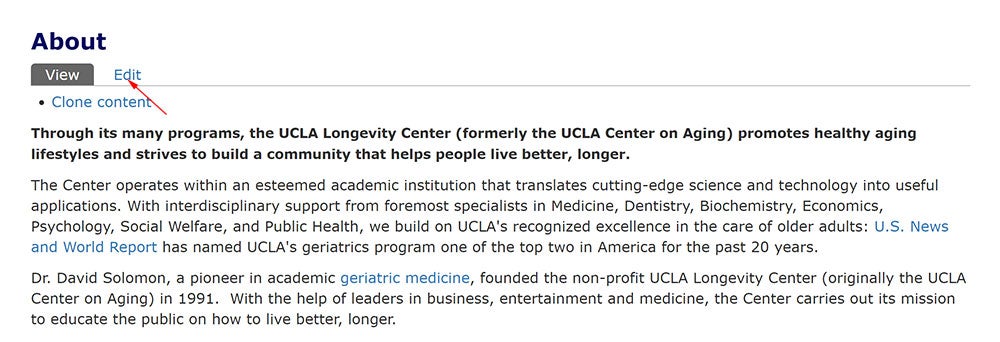
- Edit page
Click “Edit” to edit the page.
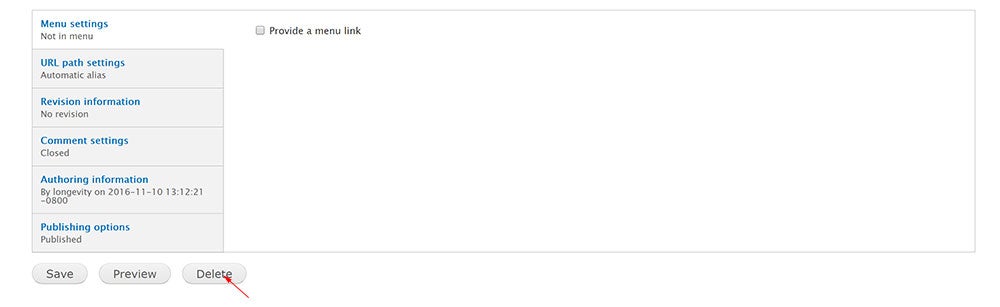
- Delete page
In the editing page, click “Delete” button that is on the bottom of the page.
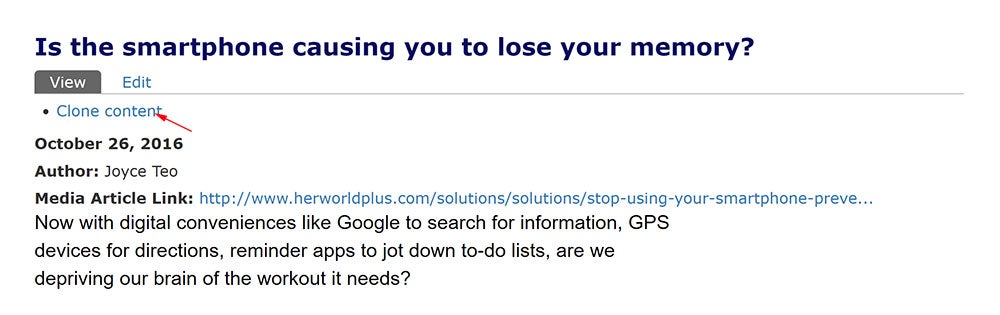
- Add page
Click "Clone content" then modify the title and content to create a news page.
Or
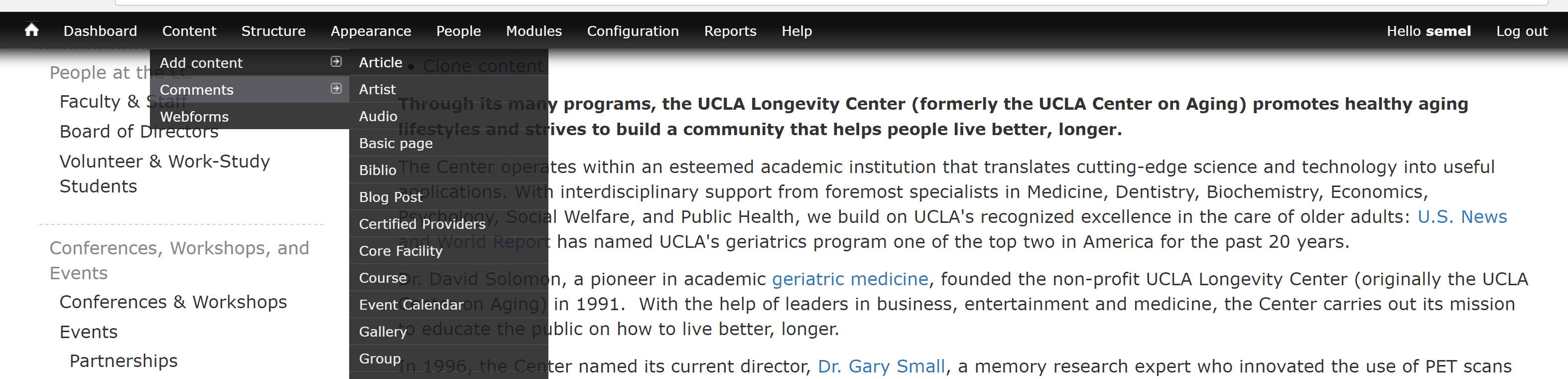
From the top menu bar: Content – Add content – select a content type that you want to create
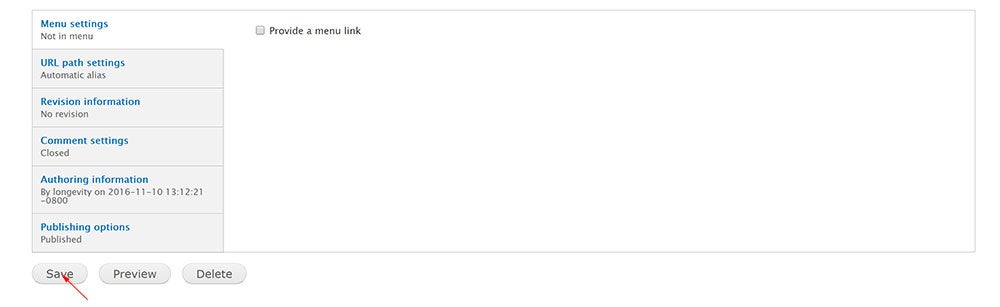
Input Title, Date, select Groups audience, and other information. - Save page
After edit or create page, click “Save” button that is on the bottom of the page.